Grafito
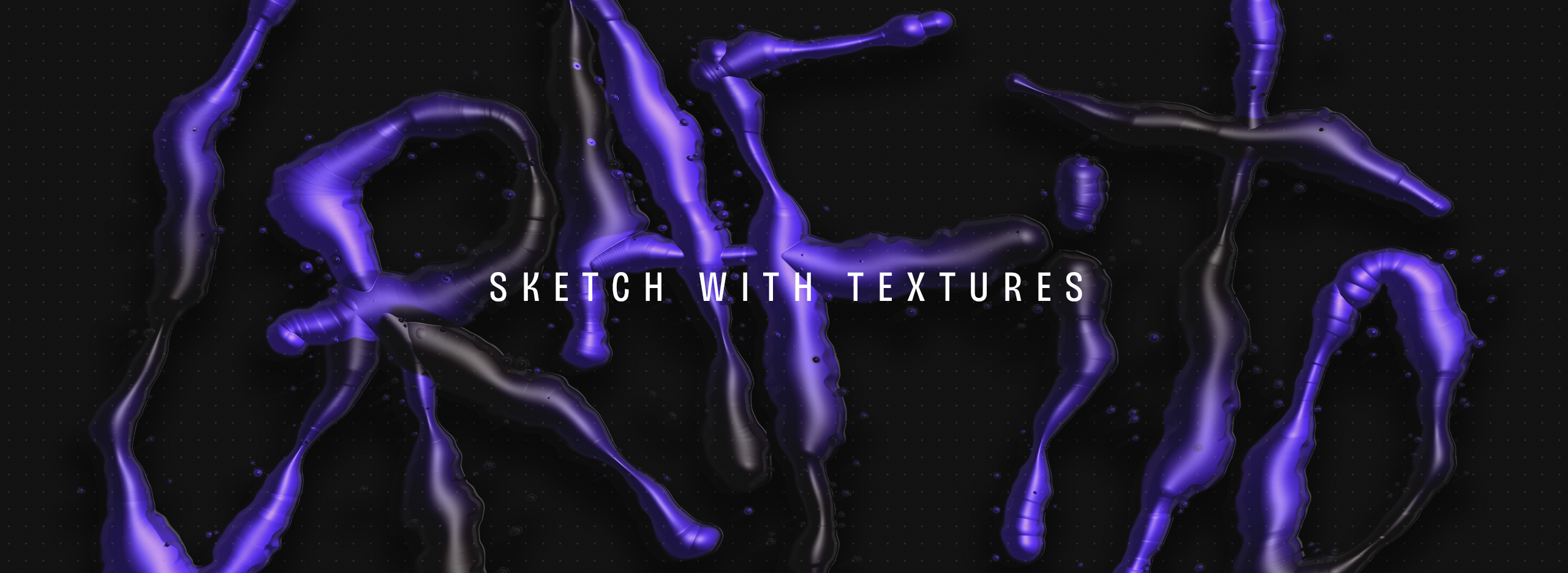
An experimental tool for painting with textures that raise volume and respond to gesture.
Role
Product / Visual Designer
AI-assisted Product Building
What is Grafito?
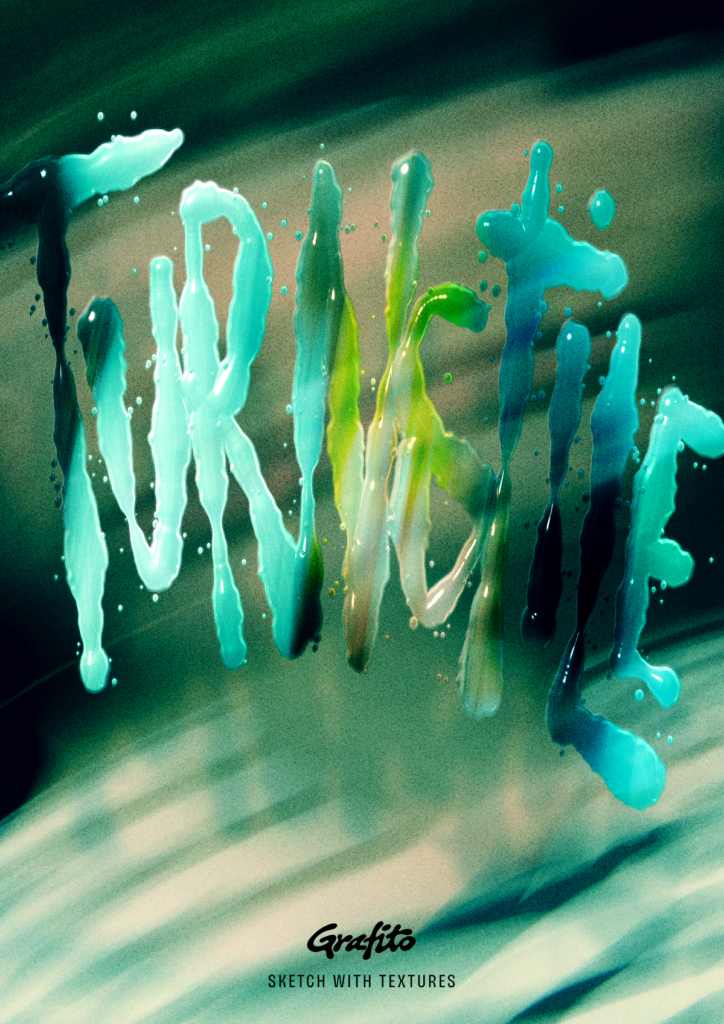
Grafito lets you paint on a canvas with different textures, using a mouse, finger or pen. The stroke depends on how you draw: speed and, if your device detects it, pressure. Depending on the texture, the stroke raises more or less volume and the light illuminates it. The result can be exported for use in other designs. It is a personal, experimental project with no commercial intent.
I began by writing a one-sentence brief and fixing what was in and what was out. That helped me not lose my way later. On 14 October 2026 I closed the initial scope:
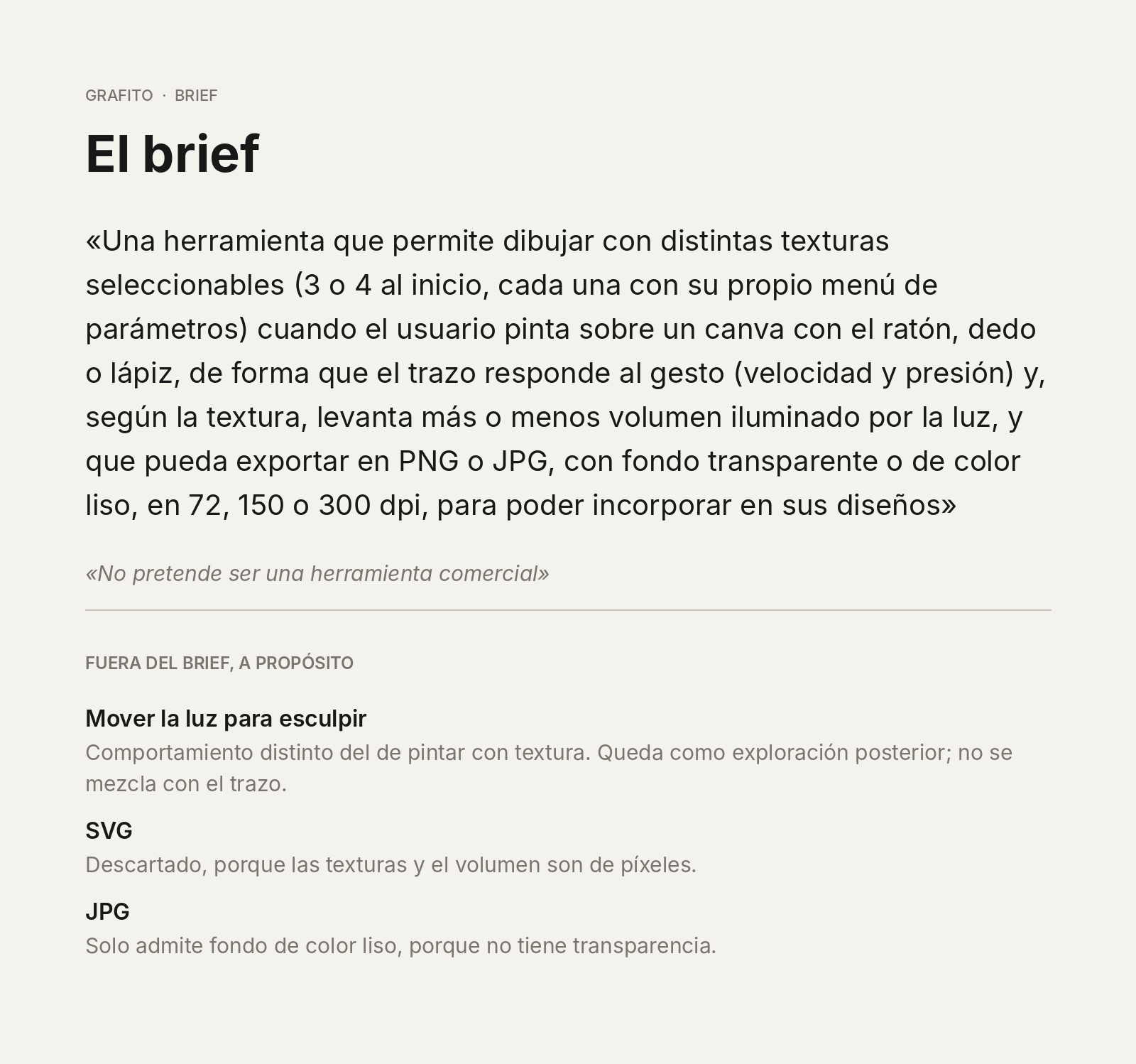
3 or 4 textures, each with its own parameter menu. A stroke that reacts to gesture, not just to settings. Export as PNG or JPG, with a transparent or solid-colour background, at 72, 150 or 300 dpi.
What I left out on purpose
- SVG: ruled out. Textures and volume are pixel-based, so a vector format would promise something that doesn’t fit the result.
- Moving the light to sculpt: postponed. It is a different behaviour from painting, and I’m keeping it as a later exploration instead of mixing it into the stroke.
- JPG with transparency: impossible, because the format doesn’t support it. That’s why JPG only offers a solid background colour.
I prefer a few highly worked textures to many half-finished ones.
Key features
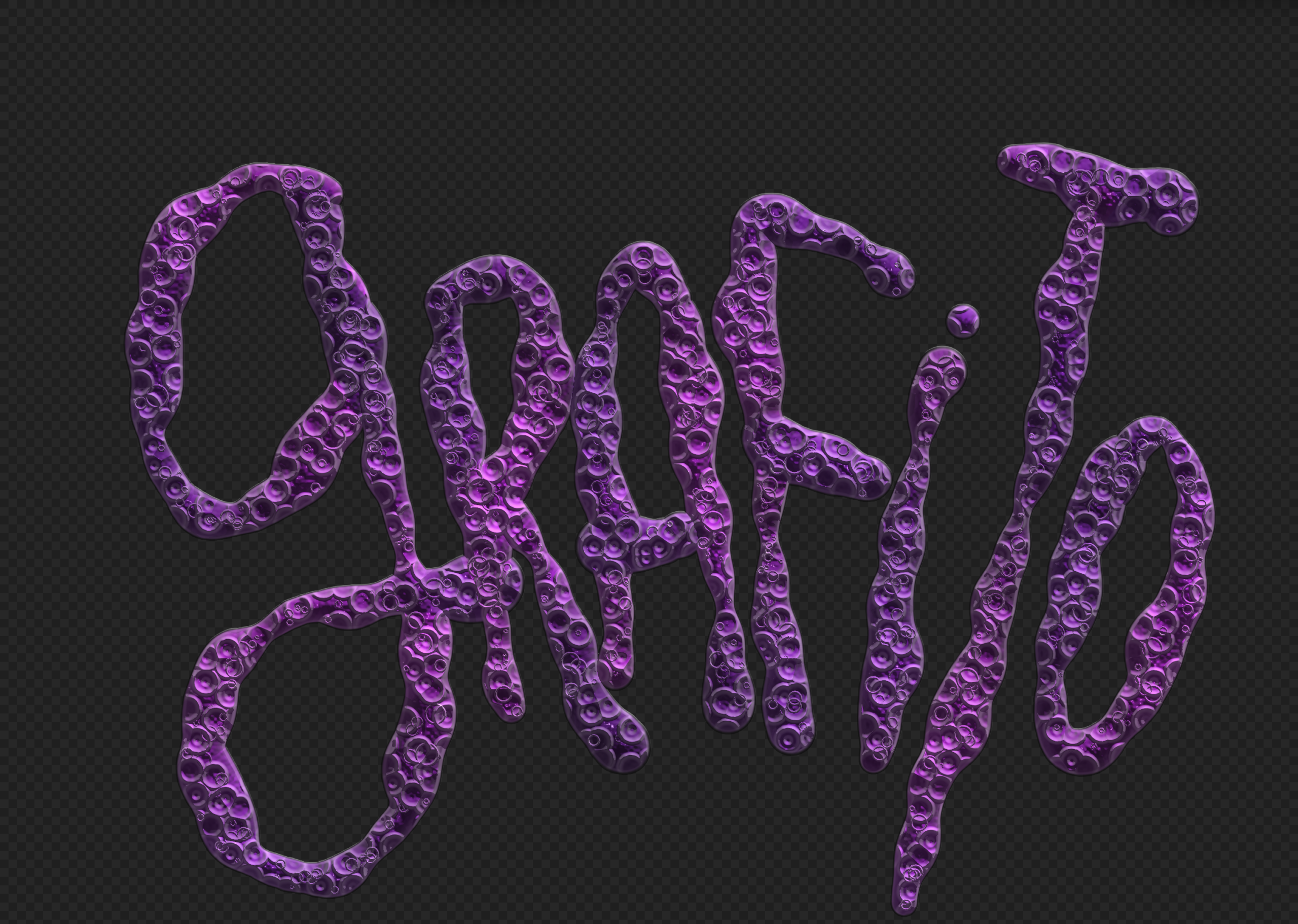
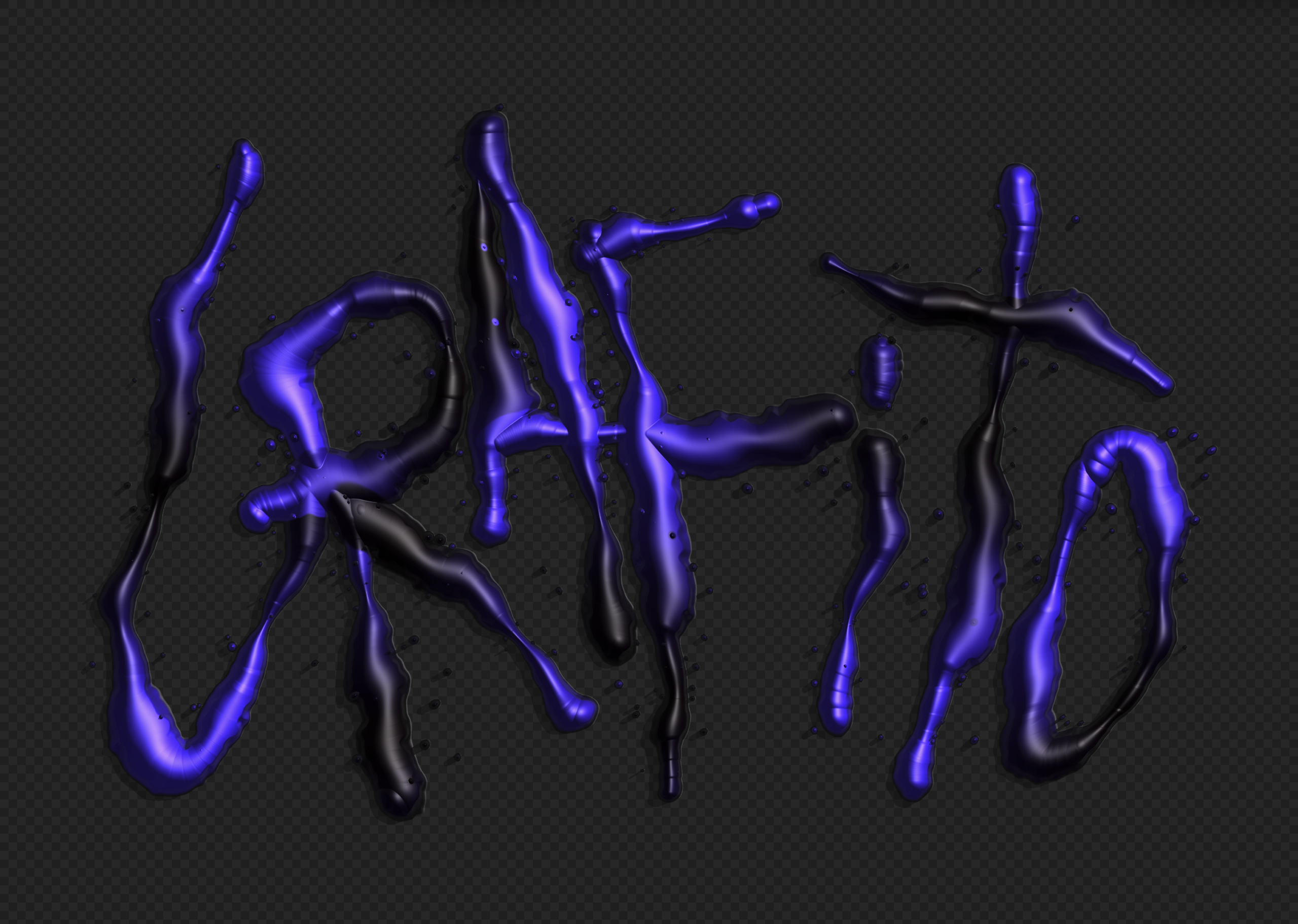
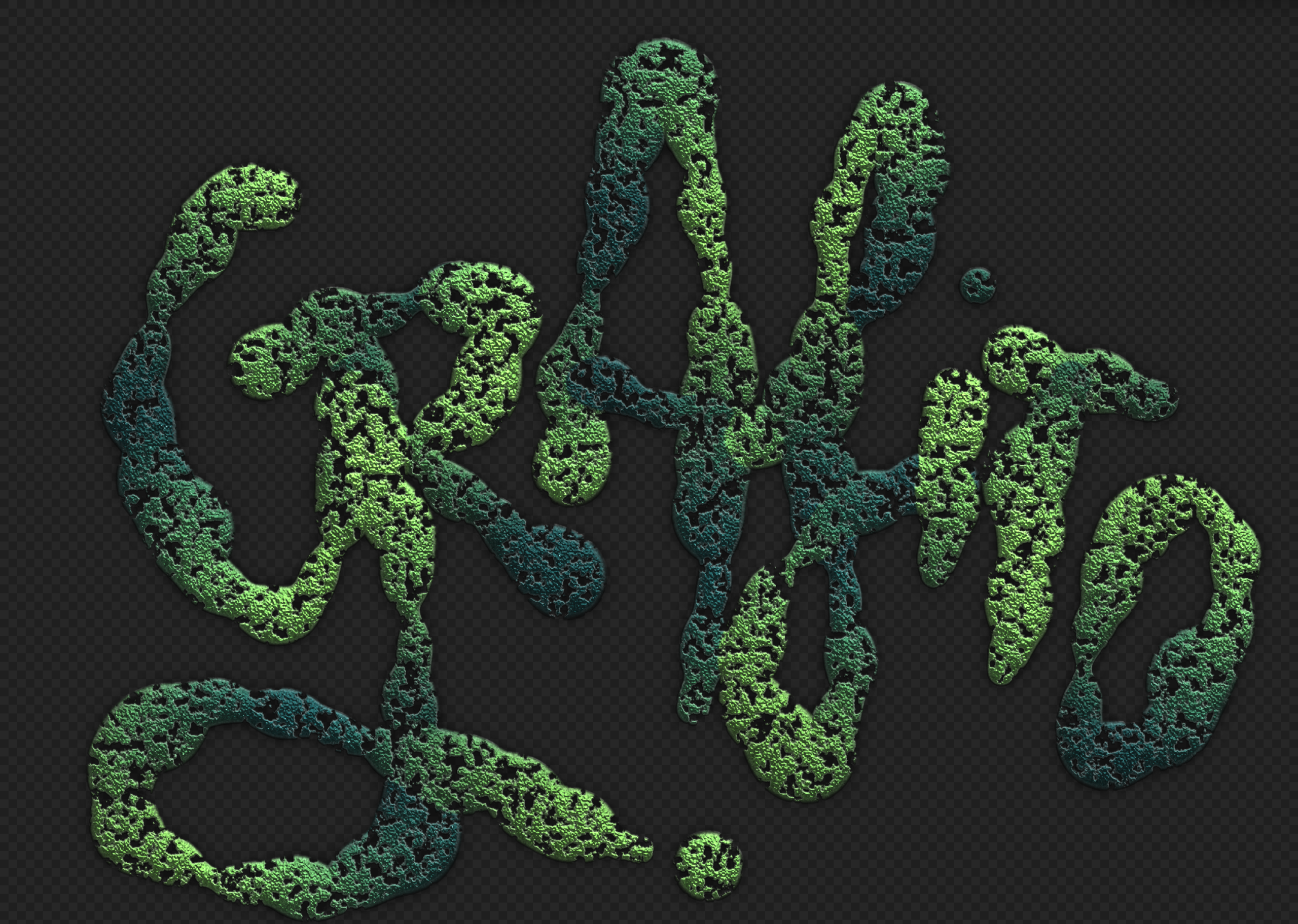
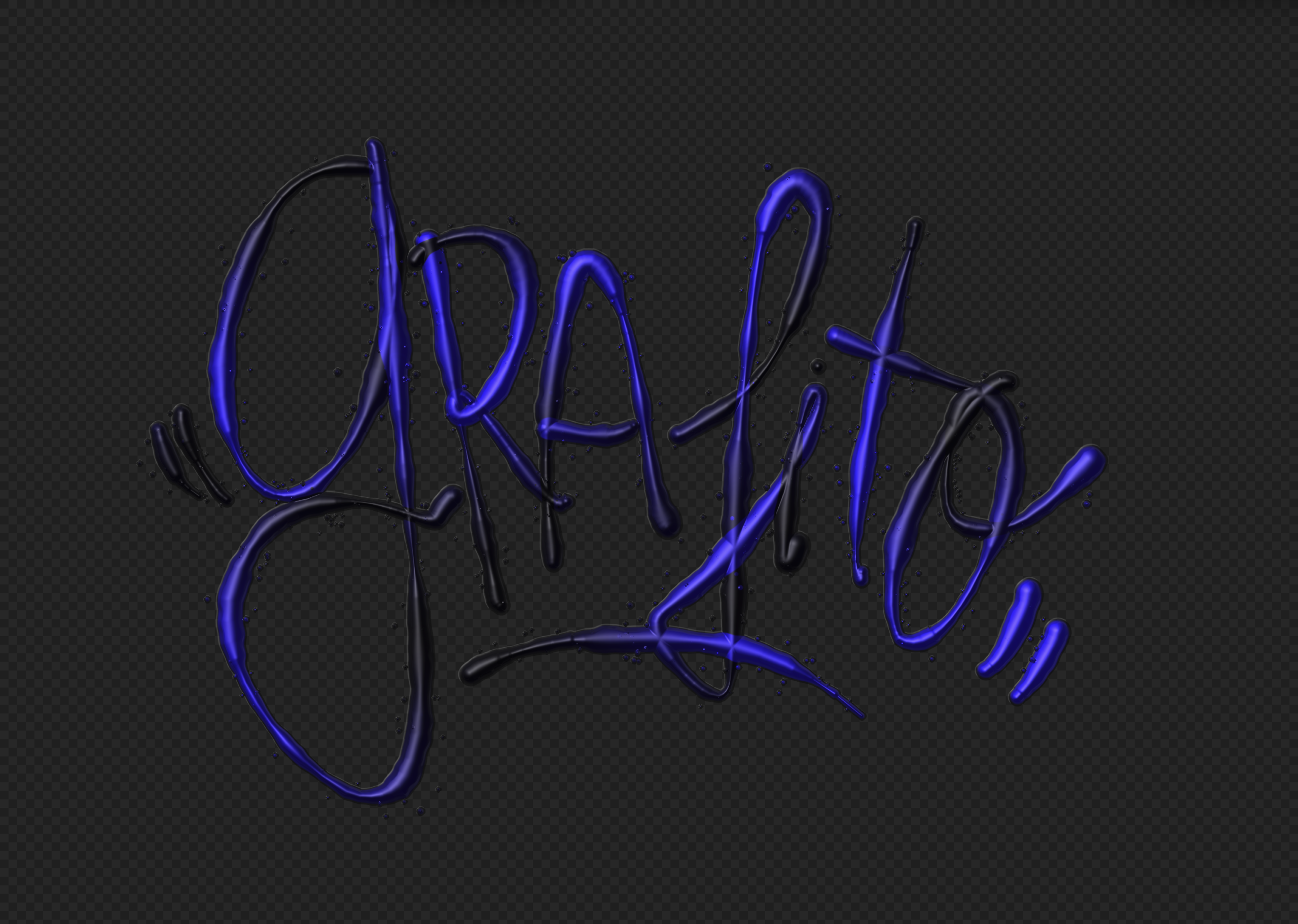
Drawing with texture and relief. You paint on a canvas and the stroke raises volume that the light illuminates. There are 15 textures: Liquid chrome, Gel, Engrave, Sand, Moss, Ink ribbon, Clay, Rope, Necklace, Water, Foam, Ink, Bramble, Rosebush and Wood.
A parameter menu for each texture. Size, depth, opacity, roughness and tone variation, plus pressure and material. Each texture exposes the controls it needs.
A stroke that responds to gesture. It depends on speed and, with a pen or tablet, on pressure. There are also settings for smoothing, stroke taper, wobble and spacing.
Drawing tools. Freehand, line, rectangle and ellipse, with a selection tool, a hand tool to move the view and a bottom bar of around fifteen brushes. Symmetry is available (mirror and radial, with several axes).
Colour. HEX and RGB picker, a quick palette, a secondary colour with blending and tone variation.
Light and finish. Controls for light direction and height, intensity, ambient light, shadow, occlusion, reflection, gloss and rim light.
3D Volume mode. A volumetric view of the drawing, with camera controls, perspective or orthographic projection, auto-rotation and deformations (bend, twist, wave, noise).
Apply to drawing. You can re-apply colour, texture and depth to strokes you have already drawn.
Export. PNG with a transparent or solid-colour background, at 72, 150 or 300 dpi (3508 × 2480 px at 300). It also copies the palette used in HEX.
Everyday comfort. Undo and redo, autosave, zoom and fit, configurable canvas size (A4 by default, in cm), light and dark mode, and an interface in English and Spanish. Shortcuts too: [ and ] change the size, Ctrl+Z undoes and Space with drag moves the view.
How I built it
I built Grafito with Claude Code and Three.js, delivered as a single self-contained HTML file. I worked one step at a time, with context, scope and constraint defined before each one. When something failed, I described what I saw and what I expected, without diagnosing the cause.
Everything was documented. Each step closed with an entry in a decision log, and every block of changes was saved as a version, so I could go back to any earlier step. Claude also built a memory of the project (structure and step-by-step execution), so each session picked up where the last one left off.
The agent system
I also designed a set of agents to verify and correct errors, saving tokens and avoiding repeated tasks, while every decision stayed mine: a Regression Guardian that tests every texture after each step, a Documenter that records and versions each decision, a Photographer that captures each texture with the same framing and light, a Texture Refiner, and an Accessibility and Performance Reviewer.
The build itself stayed sequential, in that single file, so every decision depends solely on me.

Andreu Robusté © Copyright 2022